Cuevion Email Client
Collaborative email workspace for music teams.
Keep the familiar email-client experience while adding priority, shared inboxes, team context and collaboration built around daily music communication.
The problem
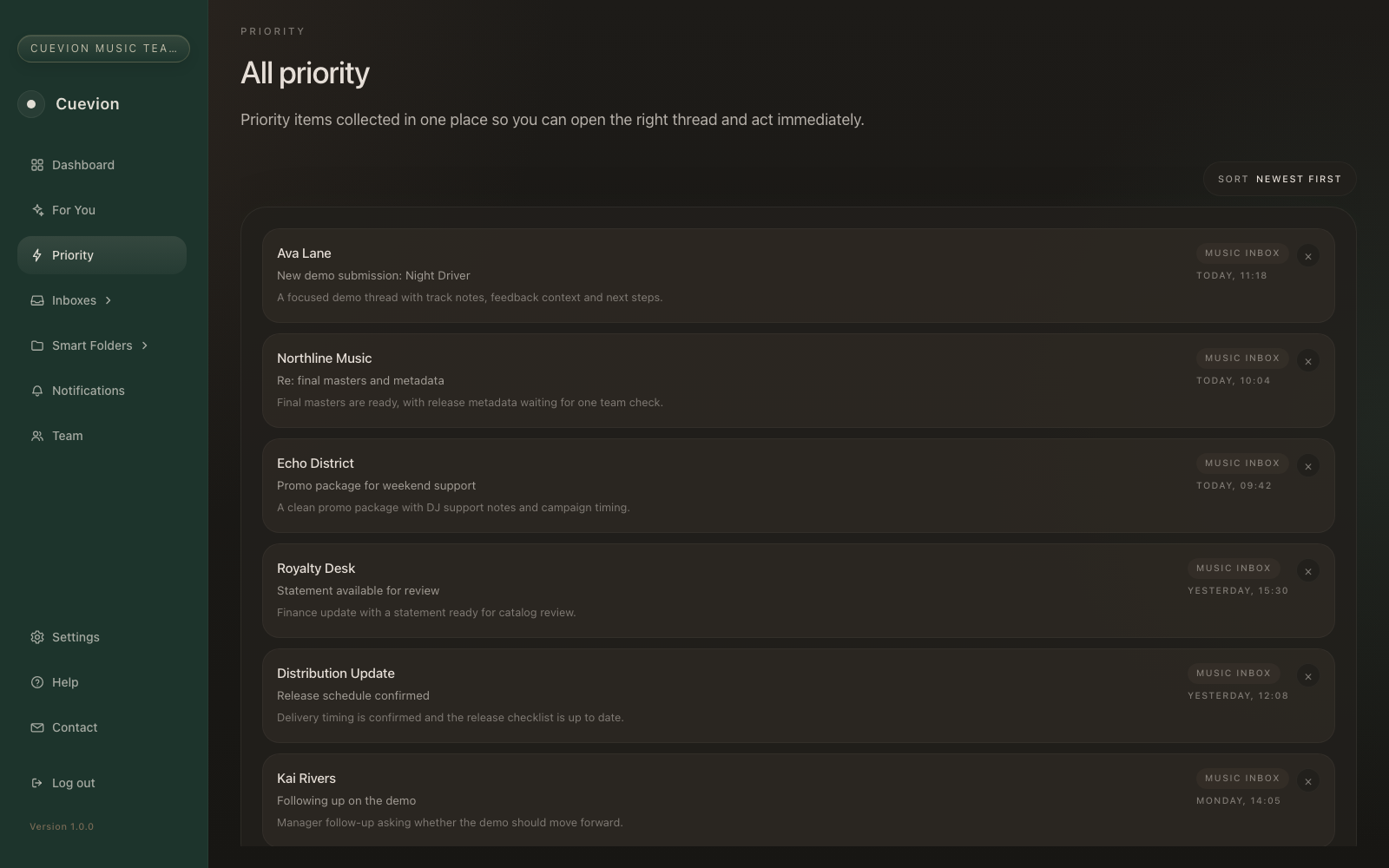
Important music email should not disappear into the inbox.
Replies, demos, promo conversations, finance updates and business requests arrive in the same place. Important work gets buried, while forwarding threads between teammates removes context and makes ownership unclear.
Shared inboxes
One familiar place for daily communication.
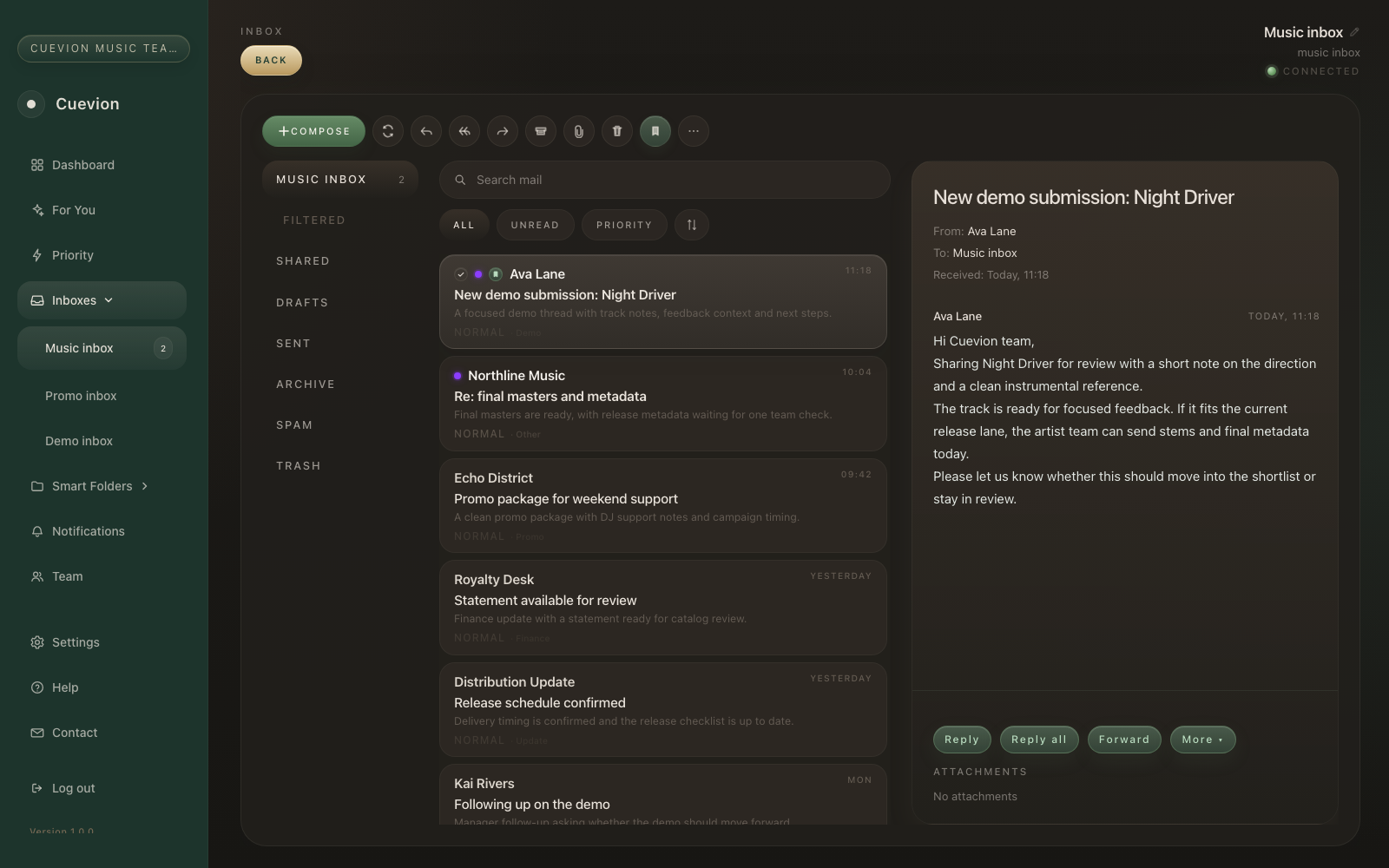
Manage connected inboxes without asking everyone to work from a separate view of the conversation. Shared visibility keeps the team aligned while the inbox still behaves like email.
- Connected music-industry inboxes
- Shared team visibility and context
- Demos, promos, business and finance in one familiar layout
Priority queue
See the conversations that need a decision.
Cuevion collects replies, follow-ups, active conversations and important updates into one focused queue. Teams can still adjust priority manually, so the final decision stays with the people doing the work.
Thread collaboration
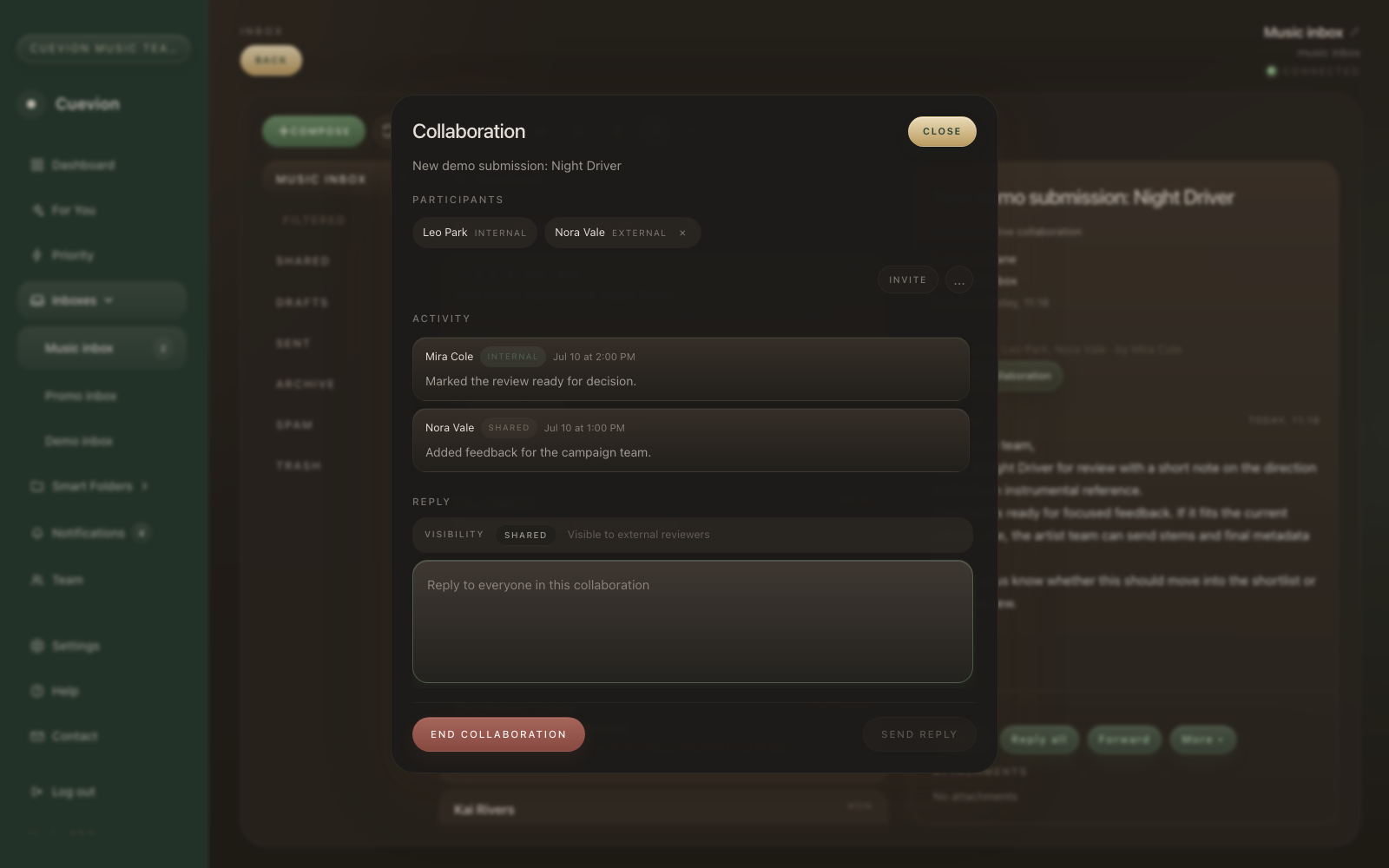
Make decisions inside the email thread.
Invite internal teammates or an external reviewer into one specific conversation. External participants do not need to be Cuevion customers and never receive access to the full inbox. They see only the collaboration context that was shared with them.
Assisted sorting
Useful signals without a black-box inbox.
Cuevion can help identify demos, promos, replies, finance and other useful signals. The normal inbox remains visible, and manual review controls let the team correct priorities and labels as work changes.
Team access
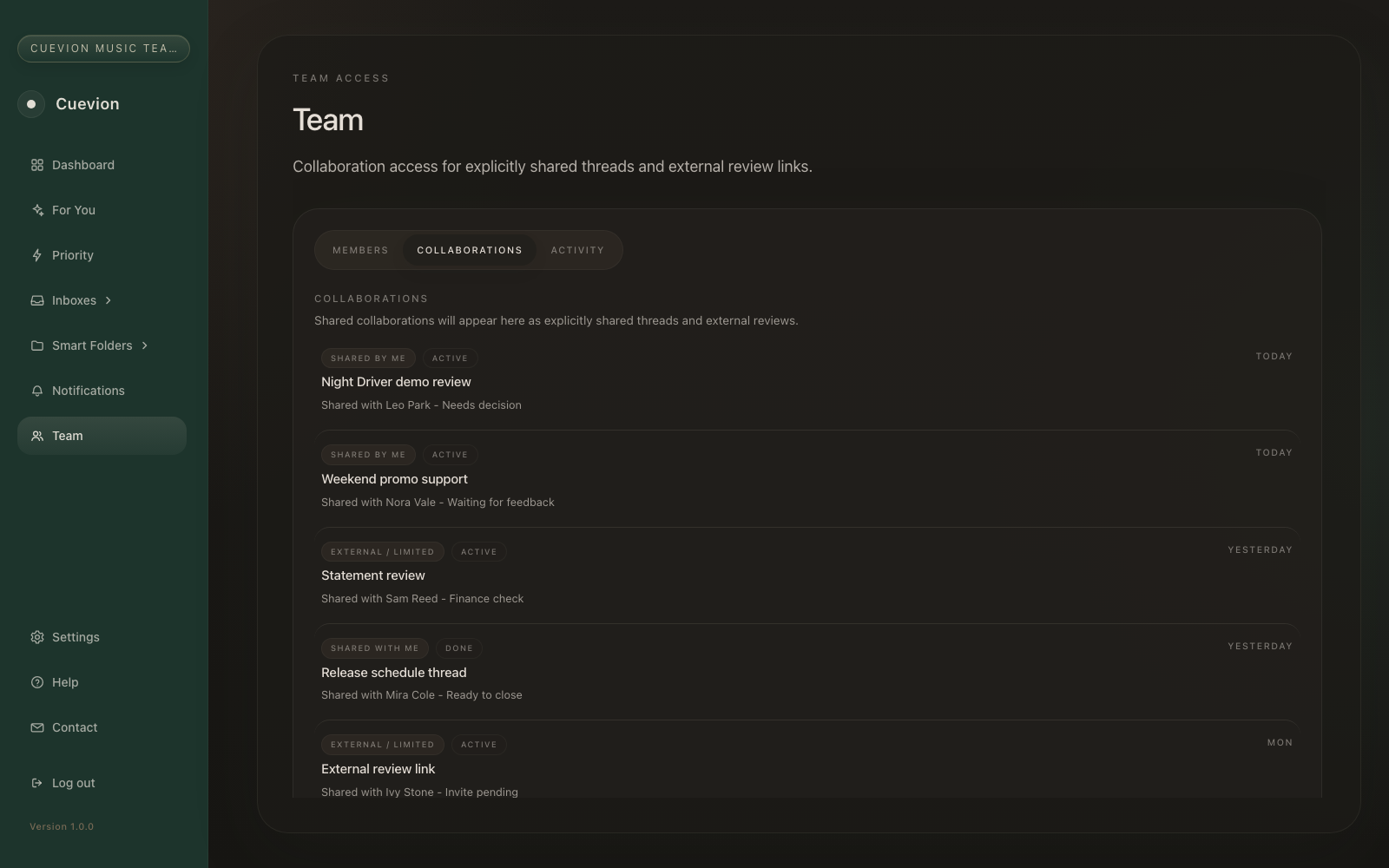
Work around shared conversations as a team.
Team access supports shared workspaces, collaboration responsibilities and focused access around the conversations each person needs to see.
Early access
Start with the Email Client.
Bring priority, shared context and collaboration to daily music email.